Secrets AI Safety Check
Secrets AI is a web-based companion platform for adults, operated by a real company in the United States. Conversations are private, and the official service does not require installing native apps. Cautious users should still be mindful of the data they share, as with any AI platform.
Safe, legit, or neither?
For privacy-minded users, Secrets AI appears legitimate and offers safety features like private conversations and automated content moderation. However, it remains an online AI service, so absolute privacy cannot be guaranteed.
- Operated by a registered US company (Secret Labs Inc.)
- No official mobile app on app stores; web app only from secrets.ai
- Chats are claimed to be end-to-end encrypted
- Users must be 18+ and confirm age
- Safety checks for all generated content and images
While the platform is not a scam and employs some industry-standard safety practices, users should always treat AI chats as sensitive spaces and avoid sharing personal identifiers.
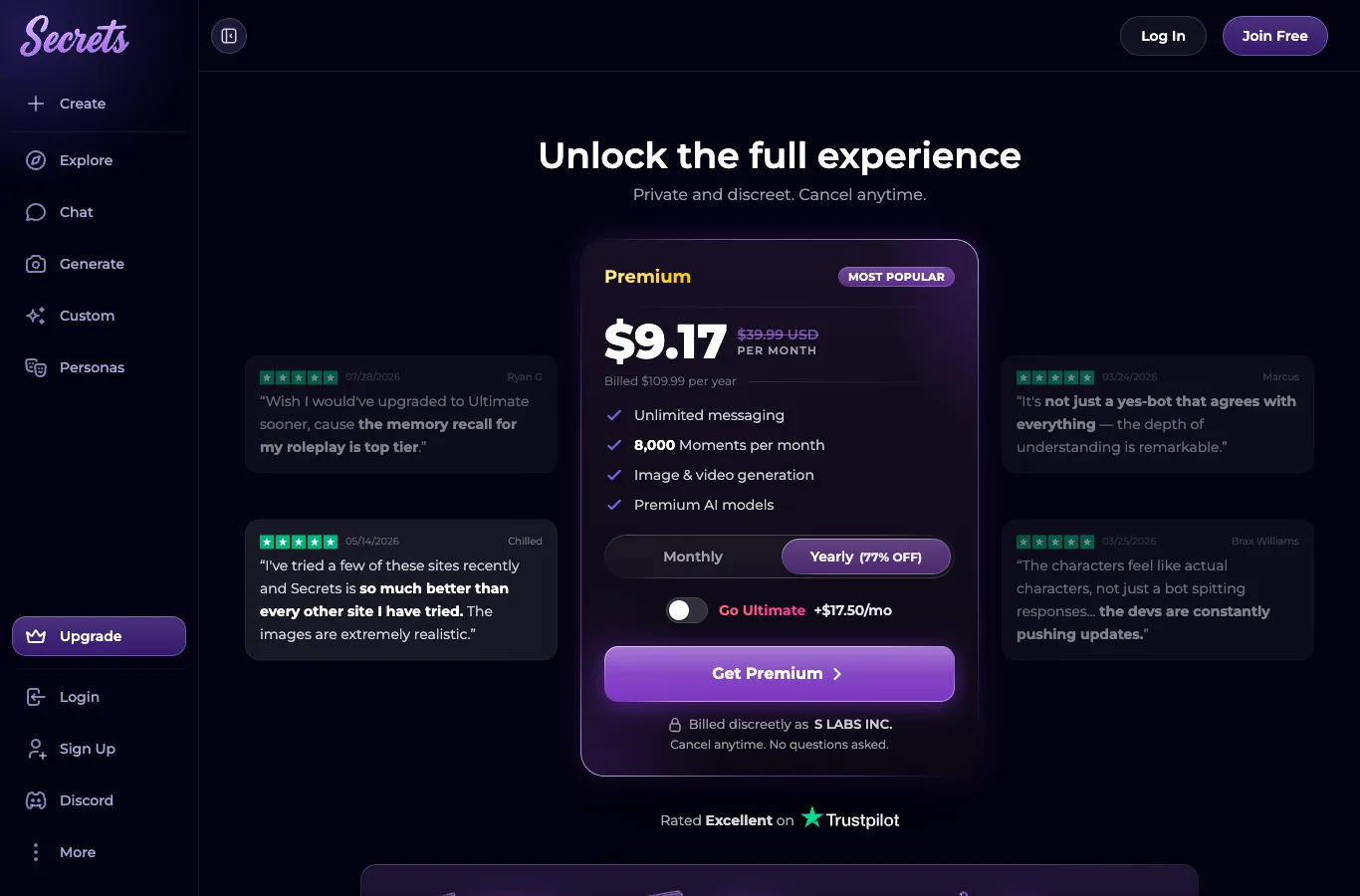
Is Secrets AI a real company?
Secret Labs Inc., listed as the operator, is based in the US and provides legal and support information on its official website. Here are the key details:
| Information | Details |
|---------------------|-----------------------------------------------------|
| Company Name | Secret Labs Inc. |
| Address | 8 The Green Ste D, Dover, DE 19901, United States |
| Website | secrets.ai |
| Support Email | [email protected] |
| Terms Location | Published on secrets.ai |
Company and policies are accessible and transparent on their official site, which increases legitimacy.
How to remove your data
Account and data removal is possible through built-in settings, though some information (like transaction records) might need to be retained for compliance purposes.
1. Log into your account at secrets.ai.
2. Go to your account settings page.
3. Look for the 'Delete Account' or similar option.
4. Follow the on-screen prompts to confirm deletion.
5. Check your email for confirmation if prompted.
6. Contact [email protected] if you have issues.
Account deletion is designed to be permanent, but always review the latest privacy policy for any retention caveats.
Malware risk
Device safety is generally better with Secrets AI, since there are no official native apps to install.
- Official service is web-based (PWA) from secrets.ai
- No downloads from Apple App Store or Google Play
- Installation is via browser "Add to Home Screen" or "Install app" feature
- Company warns against fake apps on app stores
- Web app means no APKs or side-loading
Accessing only the web app from the official site reduces the risk of malware or unwanted software.
Tips for using Secrets AI safely
It's wise to keep emotional and financial boundaries clear while using AI companion platforms.
1. Never share real personal details (name, address, financial info).
2. Set a spending limit and monitor subscription renewals.
3. Remember that companions are fictional AIs, not real people.
4. Take regular breaks and check your emotional well-being.
5. Avoid downloading unofficial apps or APKs.
6. Use strong, unique passwords for your account.
Following these tips can help maintain privacy, safety, and a healthy experience.
Q&A
No, your conversations are private and are claimed to be end-to-end encrypted. However, automated safety checks review content, and transcripts (not audio) of voice calls are stored.
Yes, if you use only the official web app from secrets.ai. There is no native app or APK to install, so device risk is minimal when you avoid unofficial sources.
You can permanently delete your account from the account settings after logging in at secrets.ai. This should remove your user data, though some information may be retained for legal reasons.
Secrets AI operates from the United States and requires users to be 18 or older. Legality can depend on your local laws, so review the platform’s terms and consider your region’s rules.
No, Secrets AI is operated by Secret Labs Inc., a real US company, with transparent billing and support channels. Avoid any apps using their name in app stores, as those are unauthorised.