Secrets AI App Download Guide
Quick answer: Secrets AI does not have a native app in the App Store or Google Play. You can install it as a web app from the official site, secrets.ai, on iOS or Android, or use it directly in your browser.
Secrets AI app: the short answer
Secrets AI does not have a traditional app in the Apple App Store or Google Play. Installation is via the browser-based web app, also known as a PWA (Progressive Web App), from the official site. Here’s what’s currently available:
| Platform | Official App Store App? | Installable Web App? | Notes |
|---|---|---|---|
| iOS (iPhone/iPad) | No | Yes | Use Safari's “Add to Home Screen” for PWA |
| Android | No | Yes | Use Chrome’s “Install app” option for PWA |
| Windows/macOS | No | Yes | Install via browser |
There are no affiliated Secrets AI apps in app stores. Only use secrets.ai for installation and logins.
Installing Secrets AI on Android
The official method for Android is to install the web app (PWA) from the browser, not from Google Play or any APK download sites. Here’s how:
- Open Chrome and visit secrets.ai.
- Log in or create your account (if you haven’t already).
- Tap the three dots menu in Chrome (top right).
- Select “Install app” or “Add to Home screen”.
- Confirm the installation.
- You’ll now see a Secrets AI icon on your home screen.
Android may ask for permissions such as push notifications; these can be allowed or denied as you prefer.
Phone privacy tips
Even when installed as a web app, a few privacy basics are worth keeping in mind:
- You can rename the home screen icon for extra discretion.
- Review notification permissions and turn them off if you want fewer alerts.
- Use your device’s privacy settings to hide previews on lock screens.
- Consider using a separate browser profile if you share your device.
Since billing appears as “S LABS INC”, purchases remain discreet on statements.
Where to buy premium on a phone
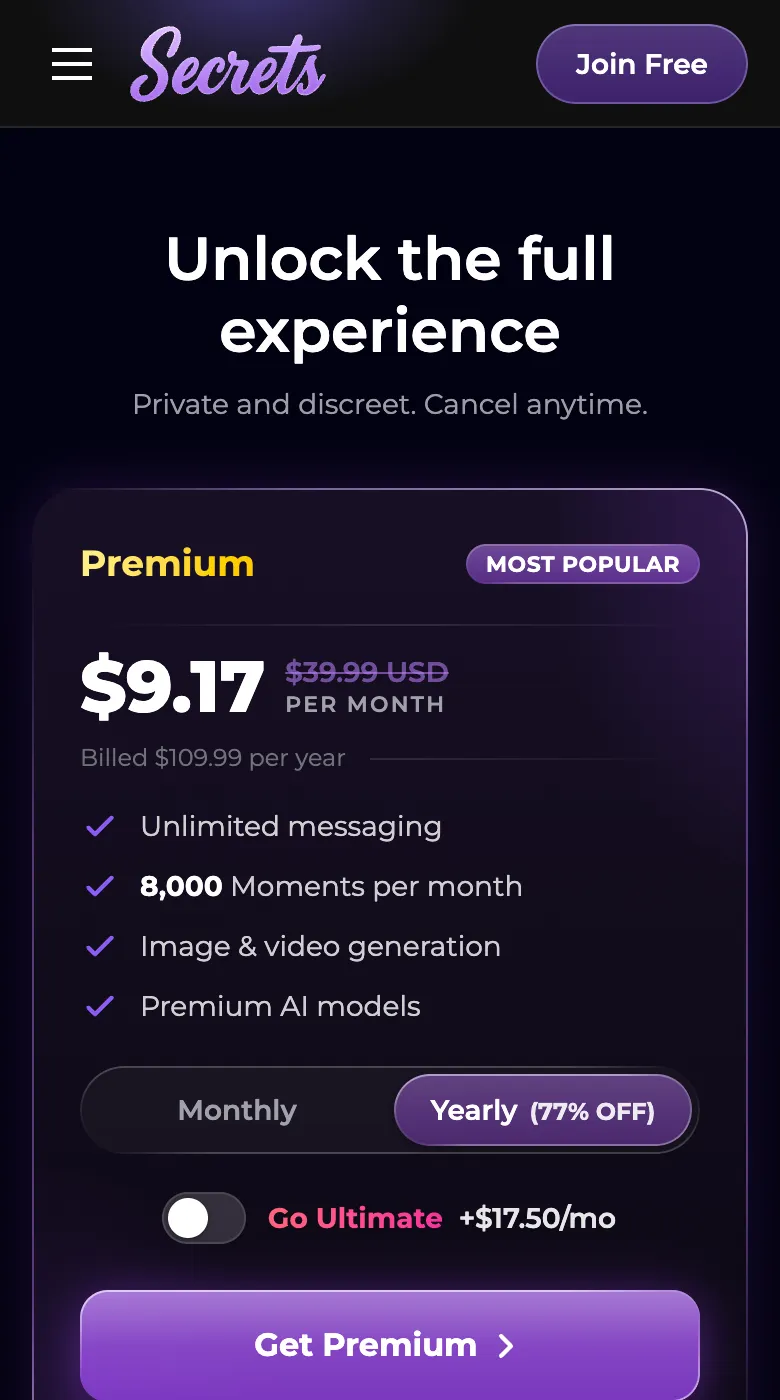
On mobile, all premium and ultimate purchases are made directly through the secrets.ai website, not via an app store. Payment options include credit/debit cards (Visa, Mastercard, Discover), virtual debit cards, and a wide range of cryptocurrencies. There are no Apple or Google in-app subscriptions, so if you want to cancel, you do it via the website’s account settings. Prepaid keys are also available for those who prefer not to use recurring payments.
Will it work on my phone?
You only need a modern smartphone and a stable internet connection to use Secrets AI as a web app. For the best experience:
- Use up-to-date Chrome or Safari browsers
- Ensure iOS 16.4+ for push notifications on iPhone/iPad
- Have a stable internet connection (Wi-Fi or mobile data)
- Enable notifications if you want timely alerts
No specific hardware requirements are listed beyond this.
Q&A
No, there’s no official Secrets AI app in the Apple App Store. You can install the web app to your home screen using Safari’s “Add to Home Screen” option for a native-like experience.
Secrets AI currently offers its service as a web app (PWA), not as a native app. The company has stated that any app claiming to be Secrets AI in app stores is not affiliated with them.
Yes, you can use Secrets AI entirely in your web browser on any device. Installing the PWA is optional and mainly provides push notifications and quicker access.
Secrets AI has a free plan with daily message limits. Premium and Ultimate plans, offering more features, are available for a monthly or annual fee paid on the website.
Yes, your account data is synced across web and installed web app (PWA) versions. You’ll access the same messages, companions, and features on any device when logged in.