Secrets AI App Guide
Secrets AI does not offer a native app in the App Store or Google Play. The official way to use Secrets AI on your phone is via the web app at secrets.ai, which you can add to your home screen for an app-like experience. Be wary of any similarly named apps elsewhere.
Secrets AI app: the short answer
There is no native Secrets AI app on either iOS or Android. Instead, Secrets AI uses a web app, which can be installed to your home screen from the official site, secrets.ai. On iPhones and iPads, this uses Safari’s "Add to Home Screen"; on Android devices, it’s done via Chrome’s install option. Desktop users can also install the web app using compatible browsers. The service chose a web-first approach, making updates and new features available instantly to everyone, without requiring app store approval or downloads.
Secrets AI on iOS
To install Secrets AI as an app on your iPhone, follow these steps:
1. Open Safari and go to secrets.ai.
2. Log in or create your account if you haven’t already.
3. Tap the Share icon at the bottom of the screen.
4. Scroll down and tap “Add to Home Screen.”
5. Optionally, rename the shortcut.
6. Tap “Add” in the top right corner.
You’ll now see a Secrets AI icon on your home screen. Opening it will launch the web app in full-screen, making it feel much like a regular app.
App vs web version
Secrets AI’s web app is designed to provide nearly all features across platforms. Here’s a quick comparison:
| Feature | Mobile Web App | Desktop Browser |
|---|---|---|
| Text chat & memory | Yes | Yes |
| Image generation/editing | Yes | Yes |
| Video generation | Yes | Yes |
| Voice & group calls | Yes | Yes |
| Push notifications | iOS 16.4+ only | No |
Most features are the same on both mobile and desktop, though push notifications are only supported on iOS (version 16.4 or later) if you use the home screen shortcut.
Watch out for fake Secrets AI apps
There are no official Secrets AI apps in the Apple App Store, Google Play, or on APK download sites. Any app using a similar name in these stores is not connected to Secrets AI and could be unsafe. Always install only via the official secrets.ai website to protect your privacy and account.
Tip: Check for the correct domain and never enter your login details in unofficial apps or websites.
Secrets AI features on your phone
You can access all main features of Secrets AI from your phone, including text chat with your AI companion, image and video generation, and voice calls. The web app also supports group chats, character bundles, and the unique ‘Time Travel’ function on paid plans. Users can set Spice Levels and choose from various chat modes. Images can be generated or edited directly from your mobile browser.
Privacy on a shared phone
When using Secrets AI on a device that others can access, we recommend using private browsing or incognito mode to reduce traces of your activity. Logging out after each session adds a further layer of privacy. Tip: You can permanently delete your account in the app’s settings, and card payments appear discreetly as "S LABS INC" on statements.
Fixing mobile issues
If you have trouble loading or logging into Secrets AI on your phone, try these fixes:
- Clear your browser’s cache.
- Make sure your browser is updated.
- Check your network connection.
- Remove and reinstall the home screen shortcut.
- Restart your device.
Most problems are caused by outdated browsers or temporary connection issues, and these steps resolve them for most users.
Q&A
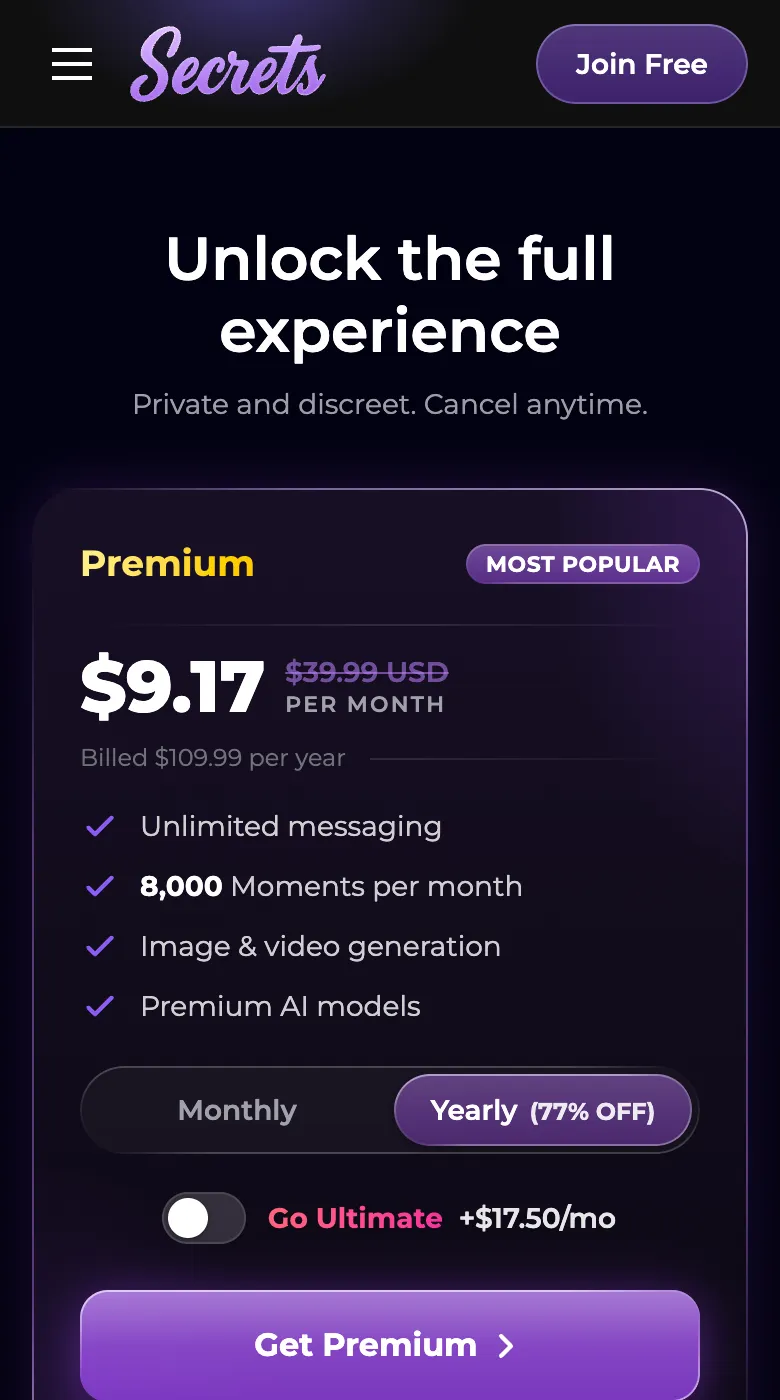
Secrets AI offers a free plan with limited daily messages. Paid plans (Premium and Ultimate) unlock more features like unlimited chatting, advanced chat modes, and Time Travel. Some add-ons, such as character bundles, also require payment.
Secrets AI is a web-first service and does not have a native app in the App Store or Google Play. The team prefers the web app so users always access the latest features directly through their browser.
Yes, you can use Secrets AI entirely in your web browser on any device. Adding it to your home screen creates an app-like experience, but no download from an app store is required.
Push notifications are supported on iOS devices (version 16.4 or later) if you install the web app to your home screen. They are not available on other platforms at this time.