Is There a Secrets AI App?
- No official Secrets AI app on App Store or Google Play; only install via secrets.ai.
- Add the web app to your phone’s home screen for a near-native experience.
- Push notifications work on supported devices when installed this way.
Mobile and desktop compared
Secrets AI offers the same core experience on both mobile and desktop, but convenience differs. On mobile, you can chat anywhere and get notifications, while desktop offers a larger workspace for images and video. Here’s a quick comparison:
| Feature | Mobile (Web App) | Desktop (Browser) |
|---|---|---|
| Text chat | Yes | Yes |
| Voice calls | Yes | Yes |
| Image/video gen | Yes | Yes |
| Push notifications | Yes (iOS 16.4+, Android) | No |
| Add to Home Screen | Yes | No (but bookmarkable) |
Mobile is ideal for on-the-go messaging, while desktop is better for longer sessions and content creation.
Official Secrets AI app status
There is no native Secrets AI app in the Apple App Store or Google Play. The service is web-based, and installation is only supported via the browser at secrets.ai. Here’s the current platform status:
| Platform | Official App Available? | How to Use |
|---|---|---|
| iOS | No | Add web app via Safari |
| Android | No | Install web app via Chrome |
| Windows/macOS | No | Use browser at secrets.ai |
The company focuses on a web-first approach, which means updates and features arrive at the same time for all platforms.
Installing Secrets AI on iPhone
You can set up the Secrets AI web app on your iPhone for quick access, with notifications supported on iOS 16.4 or newer. If you have trouble, check that you’re using Safari and your iOS is up to date.
- Open Safari and go to secrets.ai.
- Tap the Share icon at the bottom of the screen.
- Scroll down and tap "Add to Home Screen".
- Confirm the name (e.g., "Secrets") and tap Add.
- Launch Secrets AI from your home screen icon.
- Sign in to your account as usual.
Push notifications will only work when opened from the home screen icon.
Android setup
Android users can install the Secrets AI web app directly from Chrome, which also enables push notifications. Only install from the official website—never from APK sites or unofficial sources.
- Open Chrome and go to secrets.ai.
- Tap the three-dot menu in the top right.
- Select "Install app" or "Add to Home screen".
- Follow prompts to add Secrets AI to your home screen.
- Open the app from your home screen.
- Sign in with your credentials.
Notifications require the app to be installed this way.
Copycat apps to avoid
Several apps with similar names may appear in app stores or APK sites, but none are affiliated with Secrets AI. Installing unofficial versions can risk your privacy or payment details. Only the web app at secrets.ai is genuine.
Tip: Never enter your login or payment info on any app or site except secrets.ai. Using third-party APKs can also expose your device to malware.
Mobile experience
Most features are available on your phone, making it easy to chat and create content anywhere:
- Text chat with long-term memory
- Voice and group calls
- Image and video generation
- Adjust Spice Level and chat modes
- Manage companion memory and settings
The mobile web app is optimised for touch, so you can stay connected with your AI companion on the go.
Where to buy premium on a phone
Can I pay through the App Store or Google Play?
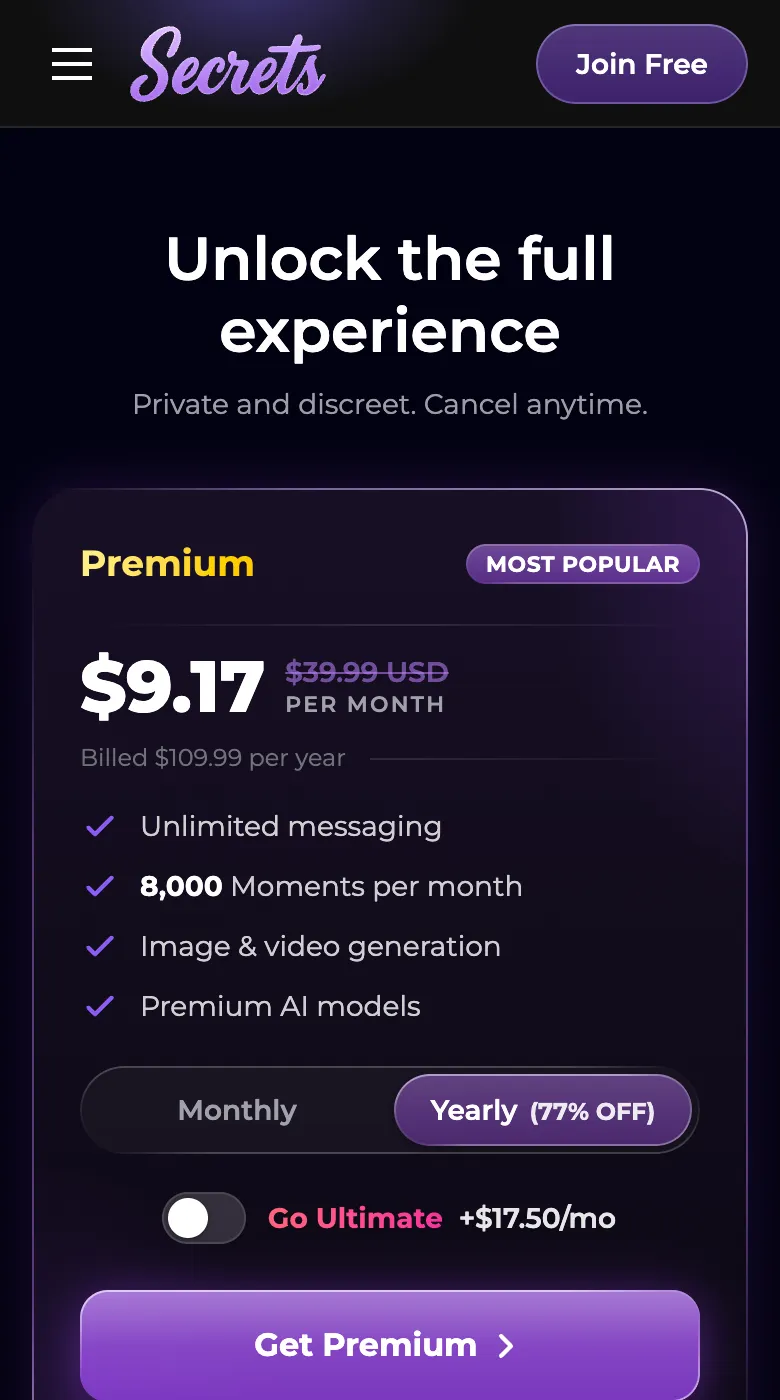
No, all payments are handled directly on the secrets.ai website, not via app stores.
How do I buy or manage a subscription on mobile?
You use the same payment methods as on desktop—credit/debit card or cryptocurrency—through the web app.
Does billing look discreet on my statement?
Yes, charges appear as "S LABS INC" for privacy.
Q&A
There is no official Secrets AI app in Google Play. The only supported way is to install the web app from secrets.ai using Chrome’s "Install app" function.
No, you won’t find Secrets AI in the Apple App Store. You can install the web app to your home screen using Safari’s "Add to Home Screen".
Yes, push notifications are supported on Android and on iPhones running iOS 16.4 or later, but only when you use the installed web app from the home screen.
Secrets AI is web-based and not available in the App Store. The brand states any app store listing is not affiliated with them.