Is There a Secrets AI App?
- Secrets AI does not have a native app in the Apple App Store or Google Play.
- The official way is to install the web app (PWA) from secrets.ai for iOS, Android, and desktop.
- Only use the official site for installation—avoid copycats in app stores and on APK sites.
Official Secrets AI app status
Secrets AI is available exclusively as a progressive web app (PWA) and not as a native app in the Apple App Store or Google Play. The official installation methods vary by platform, as shown below:
| Platform | Official App? | How to Install |
|---|---|---|
| iOS/iPadOS | Web app (PWA) | Safari → Add to Home Screen |
| Android | Web app (PWA) | Chrome → Install app |
| Windows/Mac/Linux | Web app (PWA) | Browser → Install (from menu) |
| App Stores | Not available | Not officially offered |
The installed PWA supports push notifications (on iOS 16.4+ when opened from the home screen icon) and offers the full range of official features. Any app using the Secrets AI name on app stores is not affiliated with the company.
Mobile and desktop compared
Using Secrets AI on mobile devices and desktops offers similar functionality, but each has unique strengths and considerations:
- Mobile PWAs can send push notifications (iOS 16.4+ and Android supported).
- Desktop may be more comfortable for long conversations or media generation.
- Mobile access can increase battery and data use, especially during image or video generation.
- Voice calls and group chats are supported on both platforms, but call quality depends on your device and connection.
- You can switch between devices without losing your chat history or settings.
Overall, the mobile experience is very close to desktop, with convenience for messaging and calls on the go, while desktops may offer smoother performance for longer sessions or heavy media use.
Is that Secrets AI app real?
There are copycat and unaffiliated apps with similar names on various app stores and APK sites—these are not official Secrets AI products. To avoid installing a clone, keep these points in mind:
- Only secrets.ai offers the real web app; never download from app stores or APK sites.
- Official instructions always direct you to use your browser's 'Add to Home Screen' or 'Install app' feature.
- Check the publisher—if it's not the company behind secrets.ai, it's not official.
- The official platform does not promote or link to any app store listings.
For your privacy and security, always install directly from the official website and avoid third-party sources.
What works on mobile
Most features of Secrets AI are accessible from your phone, including:
- Text chat with companions, including long-term memory management.
- Image generation and editing directly within chats or on the Generate page.
- Video generation from images, up to 4K resolution.
- Audio calls with companions (including group calls in beta).
- Setting Spice Level, chat modes, and using Time Travel (if on a paid plan).
- Viewing and managing character bundles, Moments, and exploring Shorts mini-dramas.
The mobile web app aims to provide the same core experience as desktop, with access to all major media and chat features.
Where to buy premium on a phone
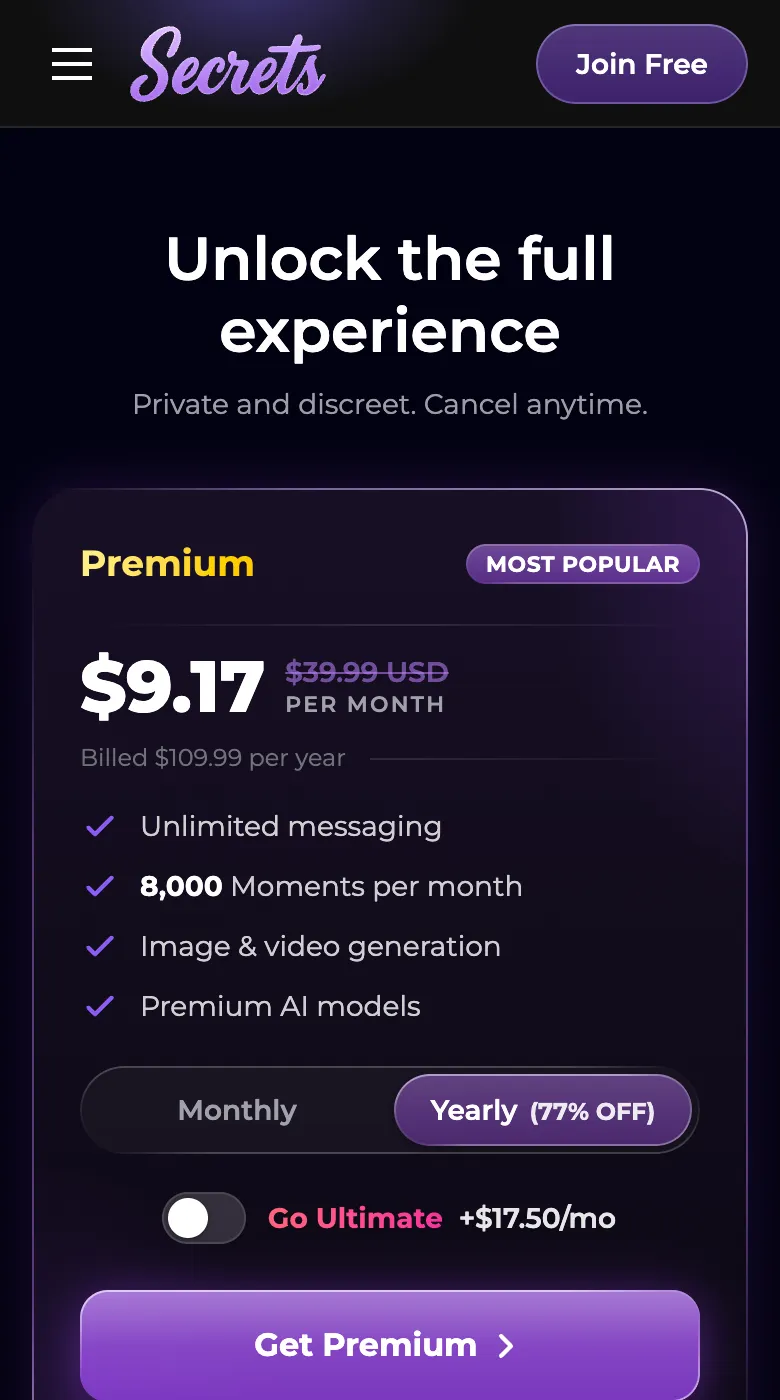
Secrets AI processes all payments through its website at secrets.ai, even when accessed from a mobile device. There are no in-app purchases or subscriptions handled through Apple App Store or Google Play billing, since the official app is web-based. Users can pay for Premium or Ultimate plans using credit/debit cards (Visa, Mastercard, Discover), many cryptocurrencies, or prepaid keys bought from G2A. Billing is discreet, appearing as 'S LABS INC' on card statements. If you start your upgrade on mobile, you will be directed to complete your purchase securely on the official site.
Will it work on my phone?
To use Secrets AI on your phone, ensure you have:
- A modern browser (Safari for iOS, Chrome for Android recommended)
- A stable internet connection for chat, media, and calls
- iOS 16.4+ for push notifications from the home screen icon
- Sufficient storage for browser data and cached content
No separate app download is required; everything runs securely in your browser.
Q&A
Secrets AI is not available in the Apple App Store because the company offers its service exclusively as a web app (PWA) installed through your browser. This approach allows full feature updates and cross-platform support without store restrictions.
Yes, you can use Secrets AI entirely in your web browser without installing anything. All features are available through the official website, and you can optionally install the web app for quicker access.
There is no native iOS app in the App Store. To use Secrets AI on iPhone or iPad, open secrets.ai in Safari and select 'Add to Home Screen' to install the official web app.
Yes, your chat history, media, Moments, and plan status are synced across web and mobile when you use the same Secrets AI account. You can switch devices at any time.