Secrets AI App Guide
There’s no official Secrets AI app on the App Store or Google Play. To use Secrets AI on your phone, install the web app (PWA) directly from secrets.ai—this works on both iOS and Android, with push notifications supported on compatible devices.
Secrets AI app: the short answer
Secrets AI is web-based, so you won’t find it in the Apple App Store or Google Play. Instead, you install it as a web app (PWA) directly from secrets.ai. Here’s how it works by platform:
| Platform | Official App Store? | How to Install | Push Notifications |
|---|---|---|---|
| iOS (iPhone/iPad) | No | Safari > Add to Home Screen | Yes (iOS 16.4+) |
| Android | No | Chrome > Install app | Yes |
| Windows/macOS/Linux | No | Browser > Install app | Yes |
The brand keeps things web-first, making updates and features available to everyone at once. Any app store listings are not affiliated with the official service.
Android setup
You can set up Secrets AI on Android in just a few taps—no APK downloads needed if you use Chrome:
- Open secrets.ai in Chrome on your Android device.
- Tap the three dots menu in the top right corner.
- Select “Install app.”
- Confirm the installation.
- The Secrets AI icon appears on your home screen.
- Open it from your home screen like any other app.
This method gives you a full app-like experience, including notifications, straight from your browser.
What you get on each device
No matter your device, you’ll get the full Secrets AI experience. Here’s what stands out:
- Long-term AI chat with memory and adjustable Spice Level
- Image and video generation inside chat
- Audio calls and group chats (group calls in beta)
- Push notifications (installed PWA only)
- Free and paid plans with different message limits
On mobile, it’s just as easy to manage your companion and access extras like image editing or Time Travel as it is on desktop. The web app approach means updates roll out everywhere at once.
Where to buy premium on a phone
Can I buy Premium or Ultimate in the app?
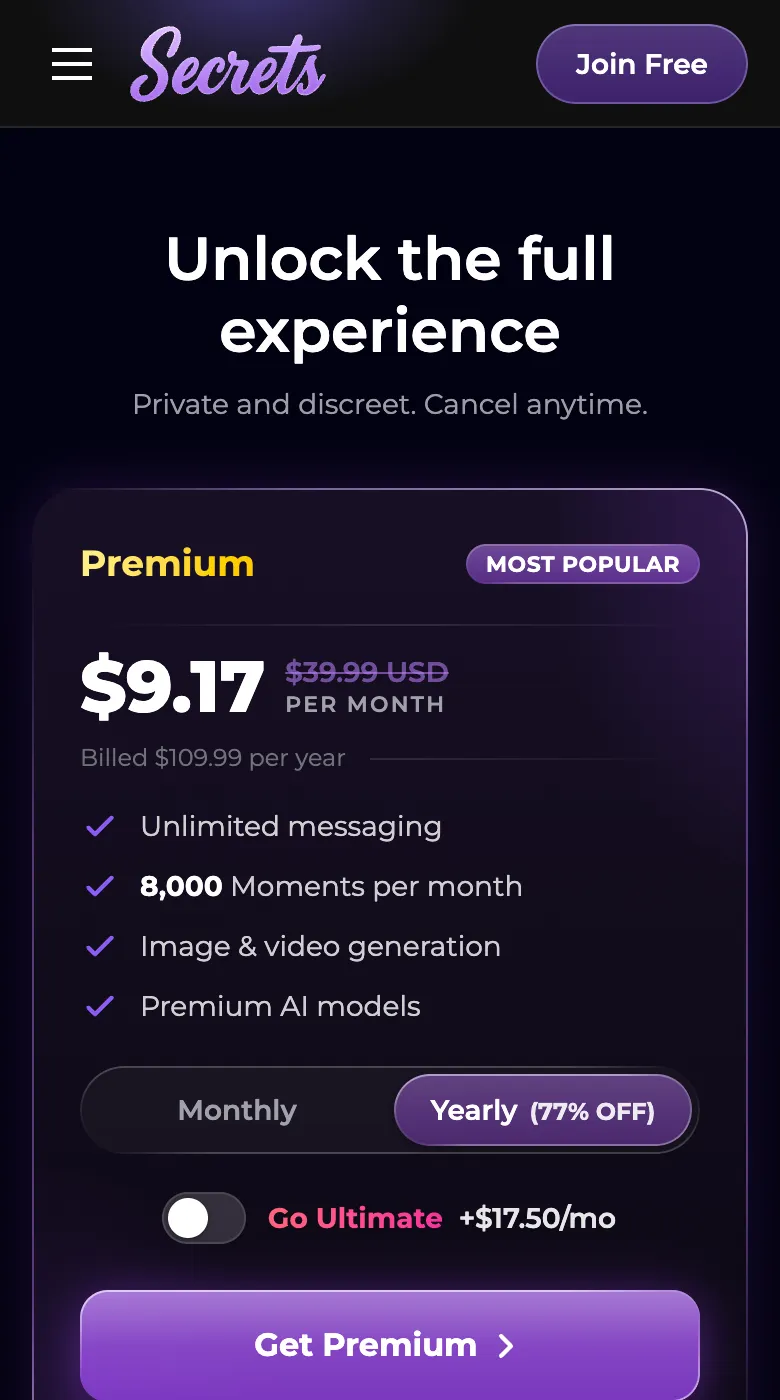
No, all payments are handled through the secrets.ai website, not via app stores.
What payment methods are supported?
You can pay by credit/debit card (Visa, Mastercard, Discover), virtual debit cards, or over 300 cryptocurrencies. Amex is not accepted.
Is billing discreet?
Yes—charges show as “S LABS INC” on your statement.
What you need to run Secrets AI
Secrets AI works best with a modern device and browser:
- Up-to-date Chrome, Safari, Firefox or Edge
- Stable internet connection
- iOS 16.4+ for push notifications on iPhone/iPad
- Android with Chrome for easy installation
- Desktop browsers support install too
There’s nothing to download from an app store—just open secrets.ai and you’re set.
Q&A
Yes, if you install Secrets AI as a web app (PWA) on your phone, you can get push notifications. On iOS, this requires iOS 16.4 or later and opening the app from the home screen.
Your data, chats, and settings sync across devices. Whether you use Secrets AI on mobile or desktop, your conversations and companion memories stay up to date.
Absolutely. You can chat, generate images, and use all main features directly in your browser at secrets.ai—no app download required.
Secrets AI is web-based by design, so it doesn’t use native app stores. This lets everyone access updates and features at the same time, no matter their device.
There’s no native iPhone app in the App Store. To use Secrets AI on iPhone, install it as a web app from Safari using 'Add to Home Screen.'